
On 27 Oct 2026 Google DeepMind announced Genie 4, a world model: instead of rendering a finished video, it generates a world frame by frame while you move through it with your keyboard, and it changes the world when you type a sentence. This guide sums up what it can do, how to get access and how to write prompts for it, all from Google's own announcement.
#1. What Genie 4 is
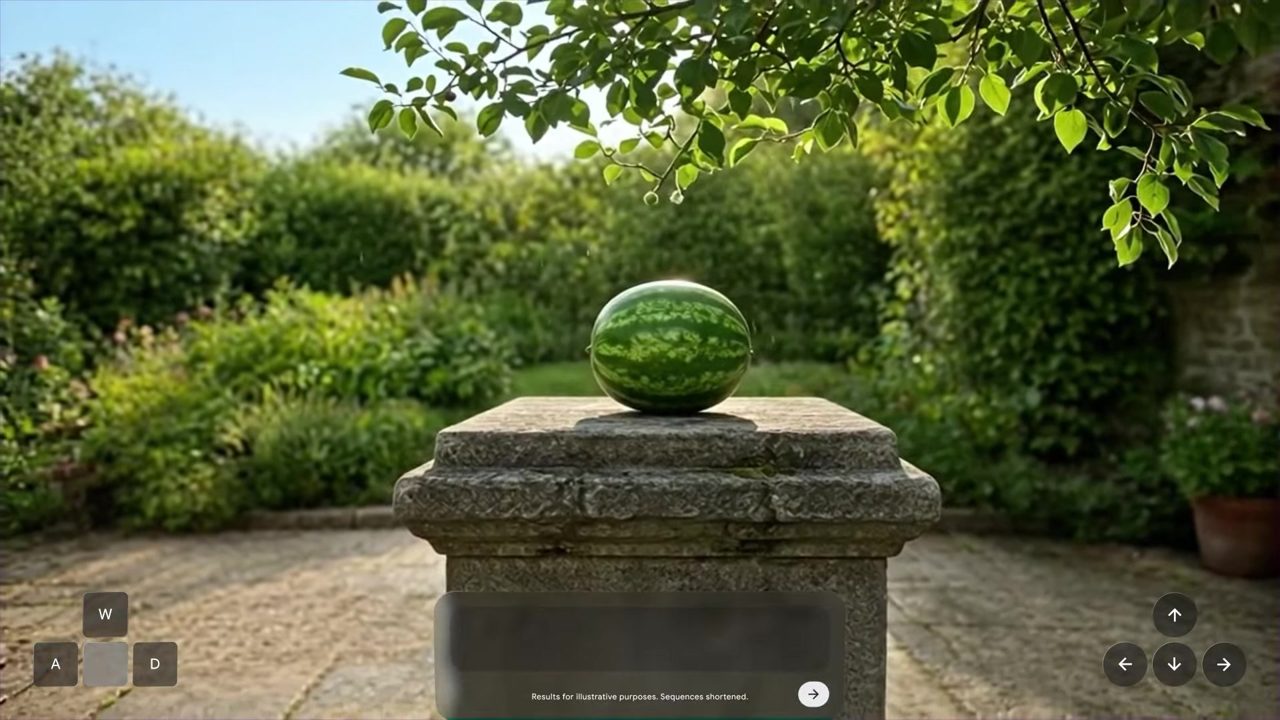
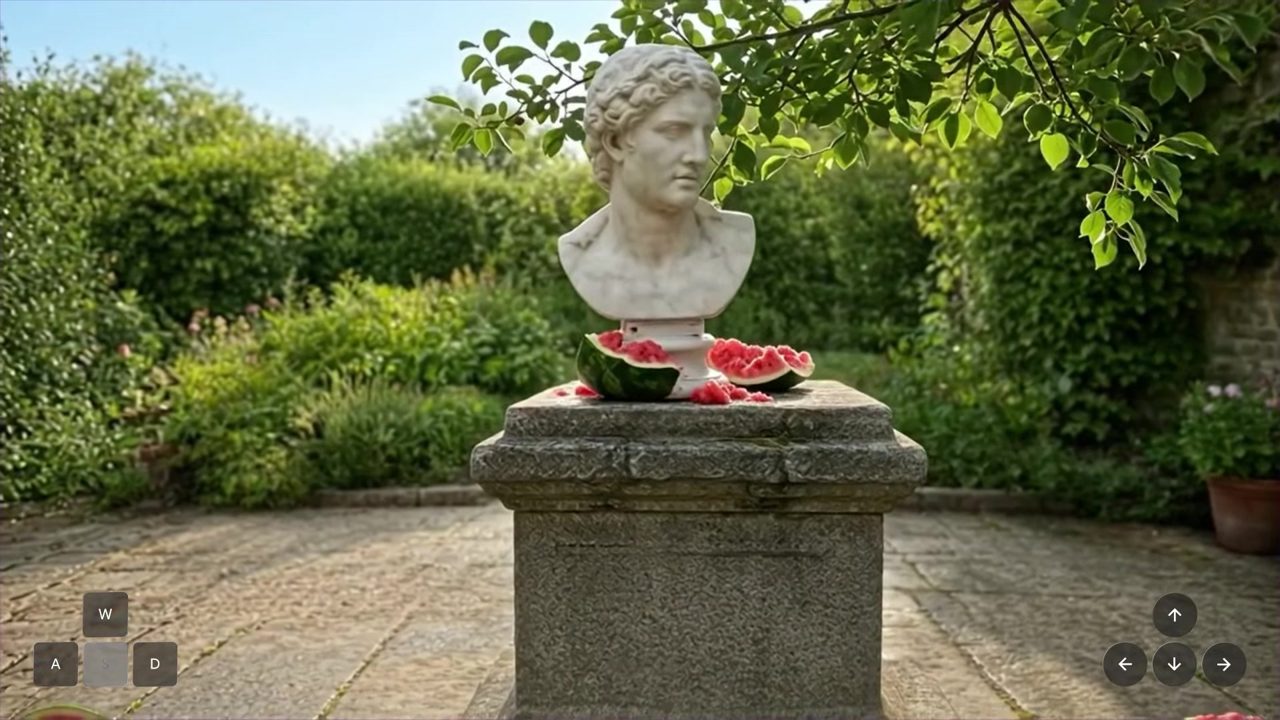
A normal video model gives you a clip. Genie 4 gives you a place. You walk and look around with standard keyboard controls, and the scene keeps running between your inputs. When you type something like "drop a marble bust on the watermelon", the change happens inside the running world.
#2. What's new in Genie 4
- Steer it with text, live. Change the weather, move the camera, add people or objects. Google says Gemini adapts your prompt so it fits the scene.
- Its own sound. Google calls it its first real-time world model that generates audio natively: ambient sound, music and dialogue, together with the picture.
- Physics and people. It simulates things like aerodynamics and collisions, and characters move naturally and react to their surroundings.
- A planner on top. Gemini 3.8 Flash watches the scene, splits a goal into steps, checks frames to see if it worked and changes the plan when the world changes.
- More realistic. Google shows the same prompt next to Genie 3 (August 2025): lighting, faces and movement look much closer to film.
#3. How to get access
- Today: research preview for trusted testers only.
- Next: Google AI Ultra subscribers in Project Genie, and early access partners in the Gemini API and Google AI Studio.
- Waitlist: the Project Genie form is linked in Google DeepMind's Genie 4 announcement.
Google has not published a date or a price yet.
#4. Prompts from Google's demos
Steering prompts that are readable in Google's demo videos:
Drop a heavy white marble classical bust on top of the watermelon.A shooting star crosses the sky.A realistic whale tail slowly emerges from the lake behind the saxophone player.Starting worlds Google showed (written here as prompts):
A watermelon resting on a stone plinth in a sunlit courtyard.A macro shot of a maple seed falling into the grass.A crowded 1980s rural Japanese train station.A stained-glass landscape with a river, a sun and mountains.First-person view of a dragon race between castle towers.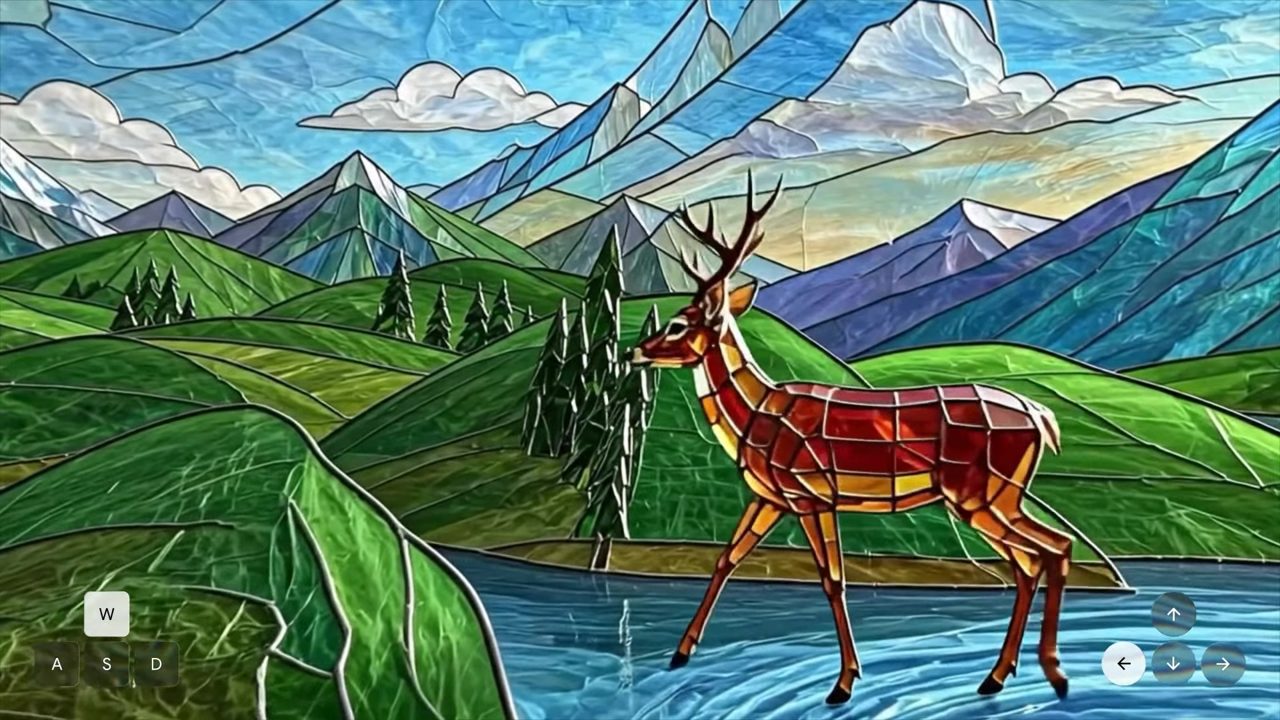
#5. How I'd write prompts for a world model
My own rules from working with video and image models. They are not from Google.
- Start with a place, a light and a camera. "A sunlit courtyard, first-person view" gives the model more to hold on to than "a nice garden".
- One change per prompt. "Drop a bust on the watermelon" works better than three events in one sentence.
- Use physical verbs. Drop, walk, emerge, fall, crash. The model has to simulate them, so give it something that moves.
- Keep the style words the same. If the world is stained glass, say "a stained-glass deer", not just "a deer".
- Keep it short. Gemini rewrites your prompt to fit the scene anyway.
#6. Where it still breaks
Google lists these as open problems:
- Details and objects can drift in long sessions or after many prompt edits.
- Text inside the world is often unreadable.
- Complex physical interactions, exact positions and real-time audio accuracy still fail sometimes.
All video and audio from Genie 4 carries Google's SynthID watermark.
#7. What it's for
- Training robots and AI agents in simulated worlds (Google paired it with a humanoid robot that learned to play checkers).
- Film previsualization: testing a scene before shooting it.
- Fast game prototypes.
- Turning archive photos into places you can walk through.
#Sources
- Google DeepMind, Genie 4: A new generation of world simulation, 27 Oct 2026
- Google, Introducing Genie 4
- TechCrunch, Google's Genie 4 world model adds audio
Images: frames from Google DeepMind's Genie 4 demo videos.
Made by @sangeeths.ai: real AI engineering from Switzerland. Share this kit: sangeeths.ai/genie · All free kits: sangeeths.ai